







About Five Nights at Freddy's 3
Five Nights at Freddy's 3, commonly known as FNAF 3, is the third main game in Scott Cawthon's survival horror series. Instead of returning to another Freddy Fazbear's Pizza restaurant, the game takes place inside Fazbear's Fright: The Horror Attraction, a horror-themed attraction built around the disturbing history of Freddy Fazbear's Pizza.
Decades after the original restaurants closed, the people behind Fazbear's Fright collect old props, arcade machines, drawings, masks, and animatronic parts to create an authentic Freddy-themed horror experience.
Then they find something far more dangerous.
Springtrap.
Your goal is once again to survive from 12 AM until 6 AM, but FNAF 3 changes the formula significantly. There are no security doors and no Freddy mask. Instead, you must monitor cameras, control audio distractions, seal ventilation shafts, and keep several unreliable systems running while Springtrap moves closer to your office.
How to Survive
FNAF 3 focuses less on handling a large group of physical animatronics and more on surviving one persistent enemy.
Springtrap is the only animatronic that can directly end your night, but that does not mean you are alone.
Phantom animatronics can suddenly appear throughout the attraction. They cannot kill you directly, but their jumpscares can disable important systems and make Springtrap much harder to control.
Survival depends on understanding Springtrap's movement and keeping the attraction's equipment operational.
Controls
Most actions are controlled with the mouse:
- Mouse — look around the office and interact with controls
- Camera monitor — view rooms throughout Fazbear's Fright
- Audio devices — play sounds to attract Springtrap
- Vent cameras — monitor ventilation routes
- Seal vent — block selected ventilation passages
- Maintenance panel — reboot failed systems
You will regularly switch between monitoring Springtrap and repairing systems that suddenly stop working.
Track Springtrap
The most important task is knowing where Springtrap is.
Use the camera system to follow his movement through Fazbear's Fright. The darker environment and visual interference can make him difficult to spot, so look carefully.
Losing track of Springtrap is dangerous.
Once he gets close to the office, your options become much more limited.
The earlier you notice that he has moved, the easier it is to redirect him.
Use Audio to Lure Springtrap
One of the most important mechanics in Five Nights at Freddy's 3 is the audio system.
You can play a child's voice through selected cameras to attract Springtrap toward that area.
This allows you to manipulate his route instead of simply watching him approach.
A good strategy is to keep Springtrap in rooms far away from your office and repeatedly lure him back when he begins moving closer.
However, the audio system can fail.
When that happens, you must reboot it before you can use audio distractions again.
Seal the Vents
Springtrap can also travel through ventilation shafts.
Certain camera views allow you to monitor the vents and seal one route at a time.
Choosing the right vent to block can prevent Springtrap from taking a shortcut directly toward your office.
Pay attention to where he is and which ventilation route gives him the fastest path to you.
A badly placed vent seal may do very little.
A well-timed one can save the entire night.
Keep the Systems Working
Fazbear's Fright is filled with unreliable equipment.
Three major systems can experience errors:
- Camera System
- Audio Devices
- Ventilation
When one fails, you need to open the maintenance panel and reboot it.
Camera errors prevent you from tracking Springtrap properly.
Audio errors stop you from luring him away.
Ventilation errors are especially dangerous because they can cause visual problems and make Phantom encounters more likely.
Sometimes several systems fail at once, forcing you to choose whether to reboot them individually or restart everything together.
Springtrap
Unlike Five Nights at Freddy's 2, which throws a large number of animatronics at the player, FNAF 3 centers most of its gameplay around Springtrap.
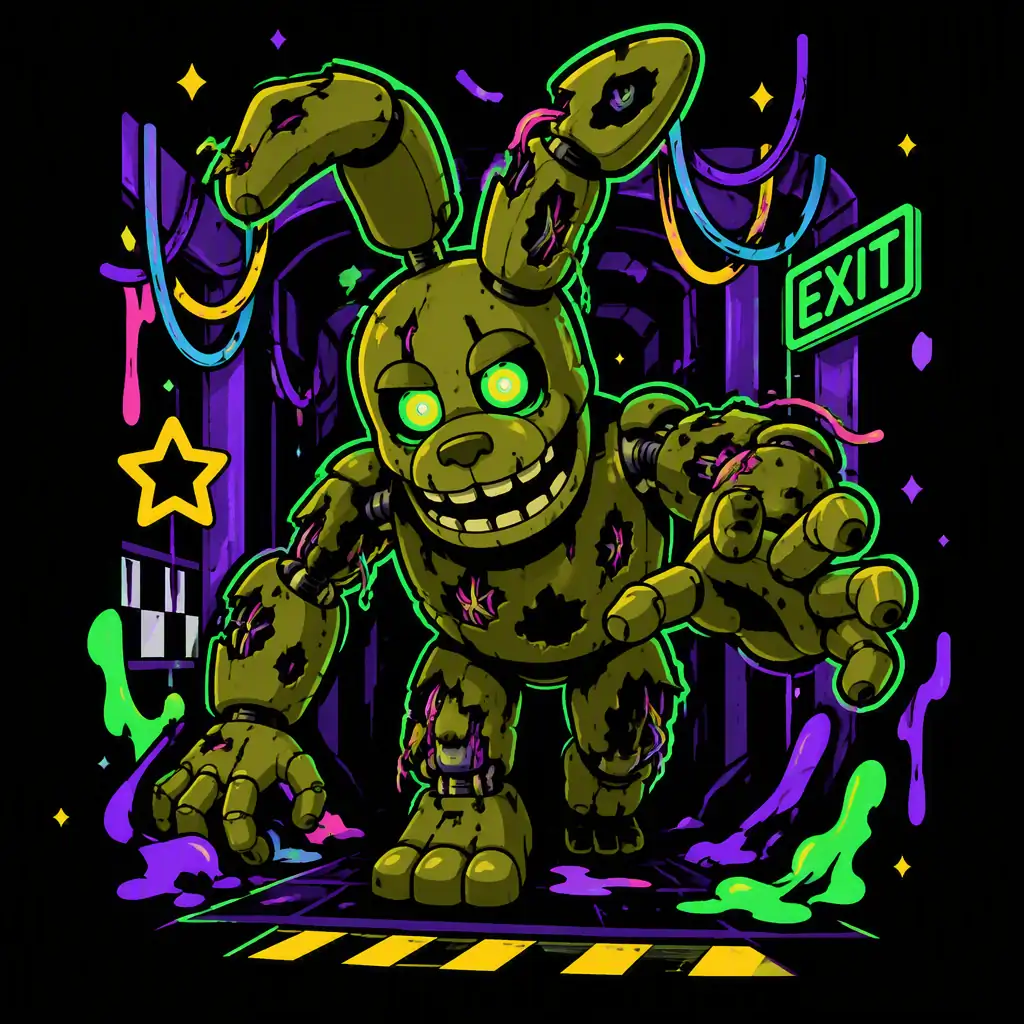
Springtrap is a decayed green rabbit animatronic discovered inside the remains of an old Freddy Fazbear's Pizza location.
He slowly moves through the attraction using both rooms and ventilation shafts.
You cannot shut a door in his face or hide behind a Freddy mask.
Instead, you must manipulate his movement.
Use audio to lure him away, seal useful vents, watch the cameras, and prevent him from reaching the office.
The entire night becomes a game of keeping Springtrap exactly where you want him.
The Phantom Animatronics
Springtrap may be the main physical threat, but FNAF 3 also introduces several Phantom animatronics.
These damaged, ghost-like versions of familiar FNAF characters appear as hallucinations throughout Fazbear's Fright.
Phantom encounters can trigger jumpscares and system failures, creating opportunities for Springtrap to move closer while you are distracted.
Phantom Freddy
Phantom Freddy can occasionally appear walking outside your office.
Paying too much attention to him can trigger a jumpscare and cause additional problems.
Phantom Foxy
Phantom Foxy may suddenly appear inside the office.
Reacting incorrectly can trigger his jumpscare and interfere with your systems.
Phantom Chica
Phantom Chica can appear through the arcade machines and camera system.
Her sudden appearance can disrupt your routine at exactly the wrong moment.
Phantom Mangle
Phantom Mangle can appear on certain cameras and create loud audio interference.
This distraction can make it harder to hear or manage what is happening elsewhere.
Phantom Balloon Boy
Phantom Balloon Boy can suddenly appear while you are checking cameras.
Avoiding his jumpscare requires quick reactions.
Phantom Puppet
The Phantom Puppet can block much of your view for several seconds, leaving you vulnerable while Springtrap continues moving.
The Phantom animatronics may not directly kill you, but allowing them to repeatedly disrupt your systems can quickly turn a controlled night into chaos.
Why FNAF 3 Feels Different
The first Five Nights at Freddy's is largely about electricity management.
FNAF 2 replaces doors with the Freddy mask, flashlight, and music box.
FNAF 3 changes the formula again.
Instead of reacting to many animatronics reaching your office, you spend much of the game controlling one enemy's movement.
Your basic routine becomes something like:
- Find Springtrap.
- Play audio in a nearby room.
- Check whether he follows it.
- Watch the ventilation system.
- Seal a dangerous vent.
- Avoid Phantom animatronics.
- Reboot failed equipment.
- Find Springtrap again.
The difficulty comes from how quickly this routine can break down.
A ventilation error causes visual problems.
A Phantom jumpscare disables a system.
The audio device stops working.
And suddenly Springtrap is much closer than you expected.
Tips for Surviving Longer
Always know where Springtrap is.
Losing track of him is one of the fastest ways to lose control of the night.
Use audio strategically.
Do not play sounds randomly. Try to guide Springtrap toward rooms that keep him far away from your office.
Watch the vents.
Springtrap can use ventilation shafts to move quickly. Seal the route that creates the greatest immediate danger.
Fix ventilation problems quickly.
Ventilation errors can seriously interfere with your ability to see and manage other threats.
Avoid unnecessary Phantom encounters.
Learning when and where the Phantom animatronics appear can reduce system failures.
Stay organized.
FNAF 3 becomes difficult when multiple problems happen at once. Develop a consistent routine for cameras, audio, vents, and repairs.
FNAF 3 and the Five Nights at Freddy's Series
Five Nights at Freddy's 3 pushes the series away from the crowded security office of FNAF 2 and toward a more focused battle between the player and Springtrap.
The abandoned props, damaged attraction, hidden minigames, and mysterious story details also make FNAF 3 an important part of the wider series.
If you have not played the earlier games, you can start with Five Nights at Freddy's and then continue with Five Nights at Freddy's 2.
After surviving Fazbear's Fright, the series takes another major turn in Five Nights at Freddy's 4, which replaces security cameras with a dark bedroom, doors, audio cues, and nightmare versions of familiar animatronics.
For a completely different style of FNAF game, FNAF World transforms the characters into a colorful RPG adventure.
Frequently Asked Questions
What is Five Nights at Freddy's 3?
Five Nights at Freddy's 3 is the third main FNAF game. It takes place inside Fazbear's Fright, a horror attraction based on the history of Freddy Fazbear's Pizza.
Who is the main animatronic in FNAF 3?
Springtrap is the primary animatronic threat and the only enemy that can directly end your night.
What do the audio devices do?
The audio system plays sounds through selected rooms to lure Springtrap away from your office.
Can Springtrap use the vents?
Yes. Springtrap can move through ventilation shafts, so monitoring and sealing vents is an important part of surviving.
What happens when ventilation fails?
A ventilation error can create visual problems and make the night much harder to manage. Rebooting the ventilation system quickly is usually a priority.
Can the Phantom animatronics kill you?
The Phantom animatronics do not directly end the night, but their jumpscares can disrupt your systems and make it easier for Springtrap to reach you.
Is FNAF 3 harder than FNAF 2?
The two games are difficult in different ways. FNAF 2 focuses on rapidly reacting to many animatronics, while FNAF 3 focuses more on tracking and controlling Springtrap while maintaining unreliable systems.
Can You Survive Fazbear's Fright?
There are no doors to close and no Freddy mask to protect you.
Track Springtrap through the cameras, use audio to keep him away, seal dangerous vents, and repair your systems before everything begins to fail.
Make it to 6 AM, and you survive another night.
When you are ready for the next chapter, continue with Five Nights at Freddy's 4.